Why warelay exists
The author says in the repo that he built it for his wife. Her workplace network only allows a list of approved websites: the ChatGPT site is blocked, while WhatsApp still works. As far as he knows, there is no separate policy that forbids using AI there.
She mostly wants help thinking through a problem and advice on spreadsheets. She already uses WhatsApp, so he made WhatsApp the chat window: no extra app, no sharing his ChatGPT password, no API key to manage. He also wanted to reuse the ChatGPT subscription he already had.
This describes a network block, not employer approval. Whether work or confidential content may be sent to ChatGPT is a separate question, and warelay does not answer it for you.
How the bridge works, start to finish
The person who installs it (the owner) runs warelay on their own computer. The recipient just uses WhatsApp as usual. One message goes through these steps:
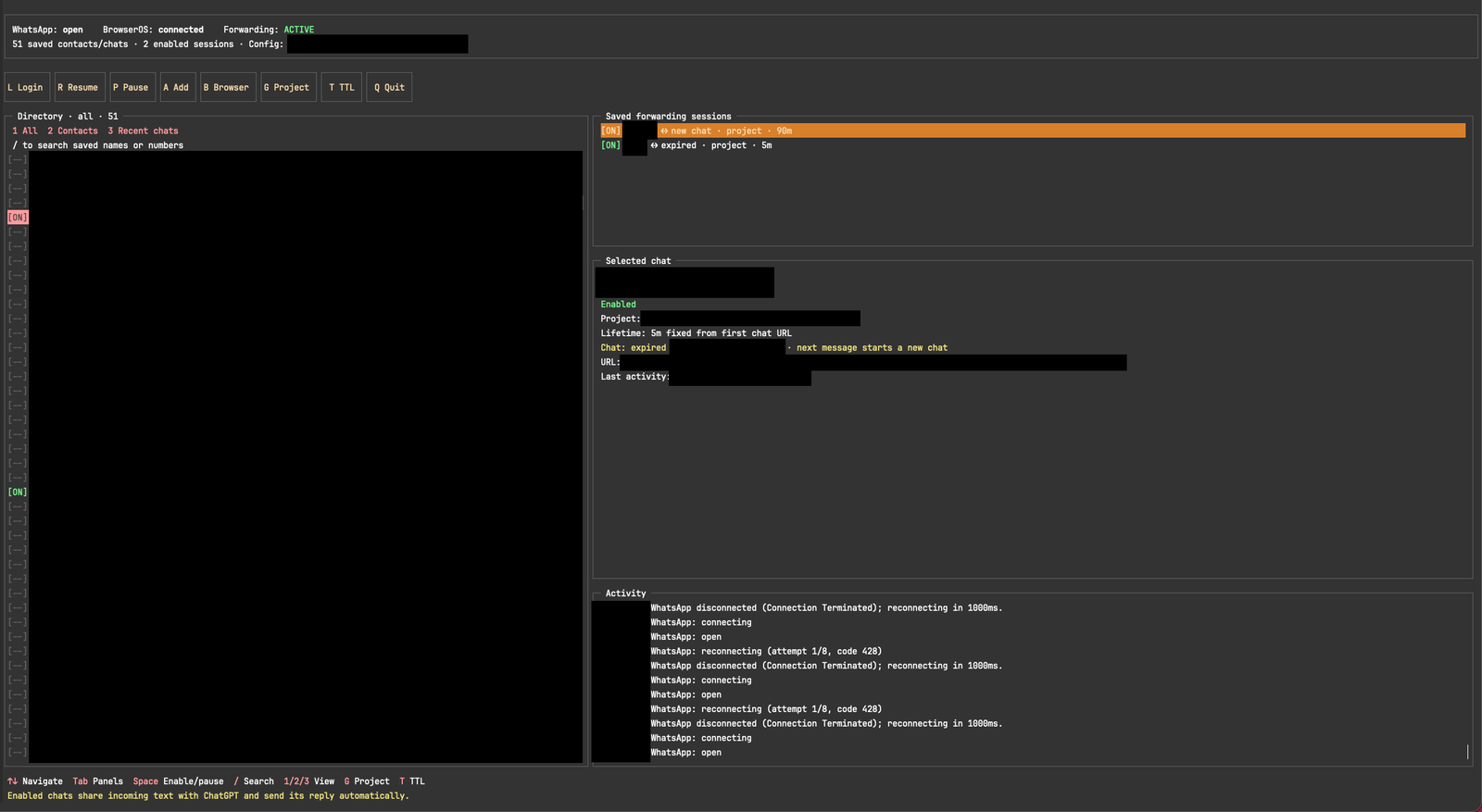
- The recipient messages the owner's WhatsApp number. warelay is attached to WhatsApp as a linked device, through the unofficial Baileys library.
- If the sender has been enabled by the owner, warelay takes the original text, with no extra system instructions added.
- warelay drives a BrowserOS Neo browser (installed locally, or run in Docker) that is already signed in to the assistant (ChatGPT by default), and submits the text to that person's own conversation.
- Once the prompt appears in the assistant's chat, warelay marks the original WhatsApp message as read, then waits for the assistant to finish answering.
- warelay reads the answer, formats it for WhatsApp and sends it back from the owner's account.
What goes out and what comes back
Outgoing, only direct text messages and photos are forwarded. Groups, statuses, the owner's own messages, voice notes, videos, stickers and non-image documents are ignored. A photo is attached to the prompt and its caption becomes the text.
Coming back, warelay reads the answer as blocks and lays each one out so it works on a phone:
| Assistant content | On WhatsApp |
|---|---|
| Prose, headings, lists, links | WhatsApp formatting, split into messages of at most 4000 characters. |
| Code block | Its own message holding only the code, so a long press copies it cleanly. Over 12000 characters it is sent as a file. |
| Table | Its own message as an aligned grid when it fits a phone; larger tables also arrive as a table.csv that opens in Excel or Sheets. |
| Generated image or file | A native WhatsApp image or document, in its place in the answer. |
An answer longer than 60,000 characters is not sent; the owner has to read it in the saved ChatGPT conversation.
One conversation per person
Every enabled contact has a separate ChatGPT conversation, and two contacts never share one. The owner can give each contact a ChatGPT project and a conversation lifetime: 24 hours by default, after which the next message starts a fresh chat. Details are in the setup guide.
The owner has to set each project to project-only memory inside ChatGPT. warelay cannot check or change that setting.
When a usage limit hits: fallback assistants
By default warelay uses one assistant, ChatGPT. If you also sign in to Claude (claude.ai) or Gemini (gemini.google.com) in the same BrowserOS profile, you can switch them on and set their priority from the dashboard with the O key, for example ChatGPT, then Claude, then Gemini.
Each message goes to the first assistant not marked as limited. When an assistant's page shows its usage-limit notice before it accepted the message, the same message goes straight to the next assistant, so nothing is lost and nothing is sent twice. When the first assistant's limit resets, warelay goes back to it. A message an assistant has already accepted is never sent to another one.
When a new assistant takes over a person, its first prompt carries a short excerpt of the recent turns (at most 8 turns from the last 24 hours) so it can continue the conversation. warelay keeps that excerpt itself and never sends it to WhatsApp. If every assistant is limited, the sender gets one line saying when to try again.
You sign in to each assistant in BrowserOS yourself; warelay does not sign in for you. Fallback only handles usage limits: it does not help when an assistant changes its interface or asks for a verification.
Who it suits, and who it does not
warelay suits someone comfortable installing a command-line tool who wants to help a trusted person ask ChatGPT through WhatsApp, and who will keep a computer and a signed-in browser running.
- Suits: personal or family use, a few people, an owner who understands where the messages go.
- Does not suit: running a public customer-service line. It is built for one owner, not as a multi-user service.
- Does not suit: anything that needs guaranteed uptime. A ChatGPT interface change, an expired login or a verification challenge can stop the bridge.
A plain warning before you use it
Driving a browser is not a policy exception. OpenAI's terms restrict making an account available to others and automatically extracting output, and WhatsApp may restrict accounts that use unofficial clients. warelay does not claim OpenAI approval or policy compliance, and it is not free or unlimited ChatGPT. Claude and Gemini are driven the same way, so read Anthropic's and Google's terms yourself too. Read the limits and policy post before you link an account.