How a web macro works
You open a browser inside Ladilala and do the task as usual: open the page, fill the fields, pick options, press submit. Ladilala records each step. Then you link the input fields to columns in your data file, and Ladilala replays the steps for every row, swapping in the values from the columns.
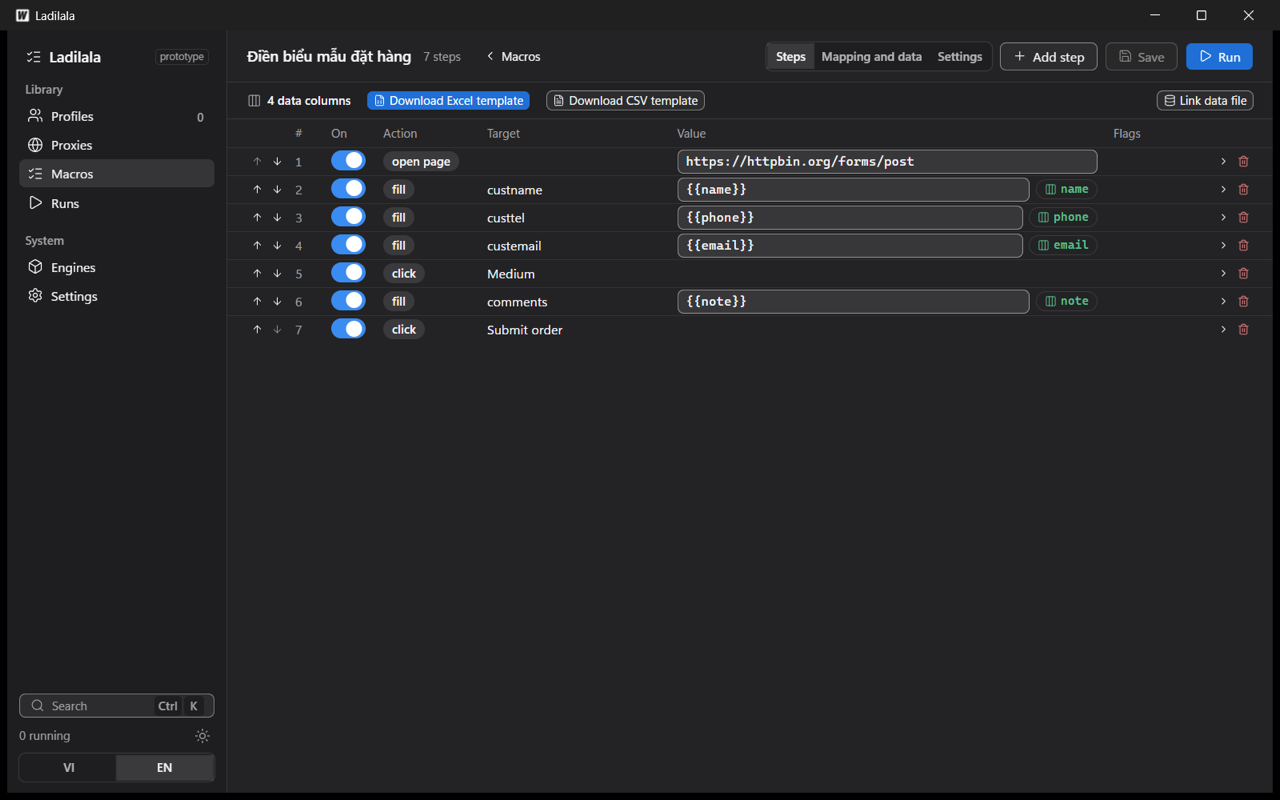
The data sources it reads
According to the project docs, Ladilala reads data from four kinds of source:
| Source | Notes |
|---|---|
| CSV | Detects the encoding (including Vietnamese Windows-1258) and the delimiter. |
| Excel (xlsx) | Pick the sheet; row 1 is the header; date cells are read in the standard date form that web date fields expect. |
| JSON | An array of objects; it is held in memory, so there is a size limit. |
| REST | Read-only (GET), with token login and paging. |
Google Sheets is not supported yet. Export to CSV or Excel and load that.
Example: entering orders from a spreadsheet into a website
Say you have an Excel file of 200 rows with customer name, phone, product and quantity, to be entered into a partner's order page. The steps:
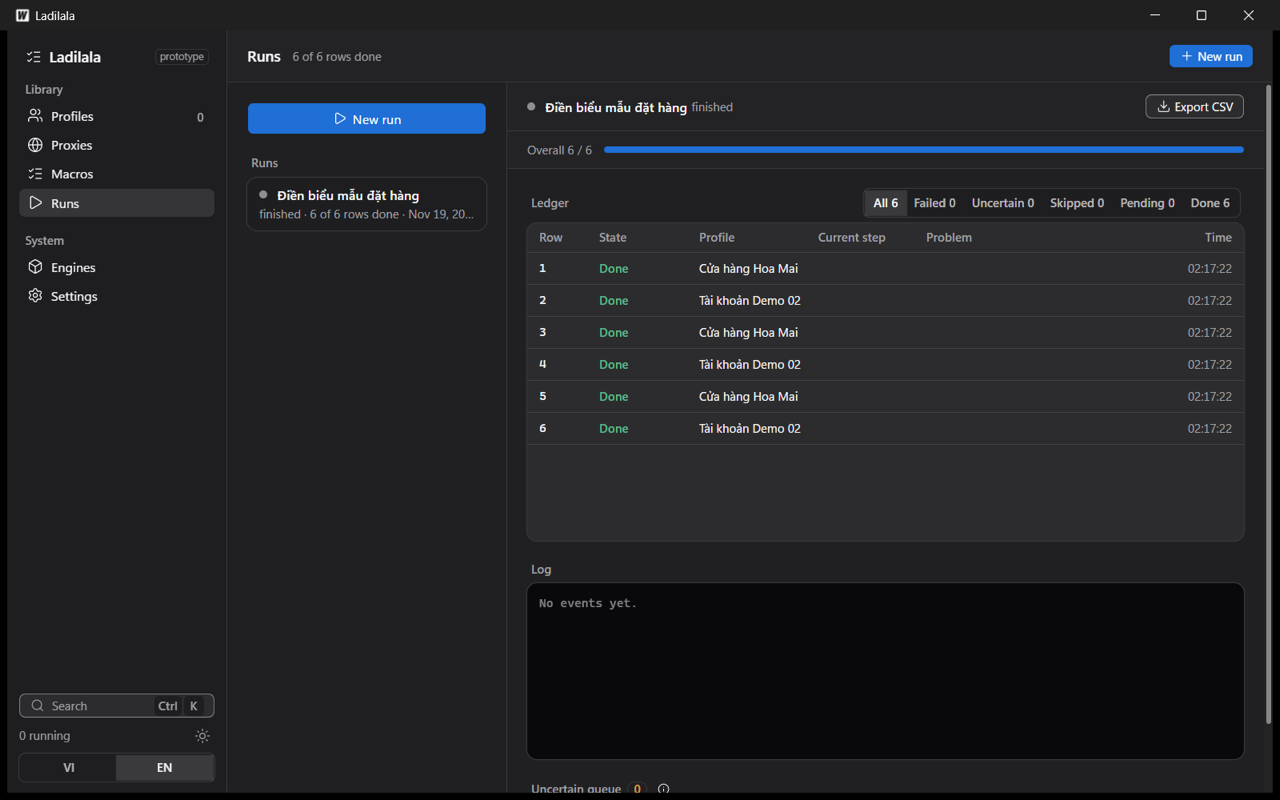
- Tidy the file: clear column names in row 1, one order per row. Keep phone numbers as text so the leading zero survives.
- Load the file in Ladilala and pick the sheet.
- Start recording, open the order page and enter one sample order like a person would.
- Link each field you filled to its column: the name field to the customer name column, the quantity field to the quantity column.
- Run a single row (the "test one" option) and check the result on the site.
- Run the whole sheet. A row that fails is marked for review and does not ruin the whole run.
Safety layers for bulk runs
The project docs describe checks so that a bad run does little harm:
- A dry run skips steps that cannot be undone, such as submit; "test one" runs only the first row.
- Each macro declares the allowed origins; it may not leave that list.
- You can set a delay between rows and stop after a number of errors.
- Each row records a state: done, failed, skipped, or "uncertain" when it passed the submit step but did not end cleanly. Uncertain rows are not retried automatically, to avoid duplicate submissions.
- When a step needs a person (for example a login or a check), the run pauses and waits for you.
Limits to know
A macro does not replace everything:
- If the website changes its layout, the macro may break and need re-recording.
- Ladilala does not solve CAPTCHAs; if one appears, a person must handle it.
- Many sites forbid automation in their terms. Use it only on sites and accounts you have the right to use, and you are responsible for those terms.
- Windows 10 is not tested, and Google Sheets is not supported.
Work that needs judgement, like reading an invoice and deciding what to enter, is not a macro job. For that, see AI automation.
When to build a system instead of a macro
A macro fits when you must enter data into someone else's page and there is no direct connection. If the data is your own and scattered across files, gather it in one system instead of copying it around: see from Excel to management software. If several accounts will run one macro, also read about separate browser profiles.